
Why Connecting Facebook Leads to Your CRM Matters
Leads go cold fast, especially if they're scattered across different platforms. When your Facebook leads aren't integrated into your CRM, timely follow-ups and potential conversions slip through the cracks.
- Timely follow-ups: Quick responses can significantly increase lead conversion rates. Without integration, Facebook leads can easily be missed.
- Platform chaos: Managing leads across various platforms leads to chaos. Toggling between Facebook, email, and your CRM wastes time and increases errors.
- Centralized management: A CRM like NinjaPipe centralizes lead management. Track, nurture, and convert leads more effectively when everything is in one place.
Connecting your Facebook Ads to your CRM isn't just a nice-to-have—it's essential for effective lead management and conversion.
Setting Up Your Facebook Ads Integration
Integrating Facebook Ads with your CRM streamlines lead capture and management, reducing manual work and improving response times. Here's how to set it up using NinjaPipe and Databins:
- Access the NinjaPipe Integrations interface: Navigate to the integrations section within NinjaPipe.
- Select Facebook Ads: Choose Facebook Ads from the list of available integrations.
- Authenticate your Facebook account: Follow the prompts to connect your Facebook account securely.
- Map your Facebook lead fields to NinjaPipe fields: Ensure that the data from Facebook leads is correctly mapped to your CRM fields for seamless integration.
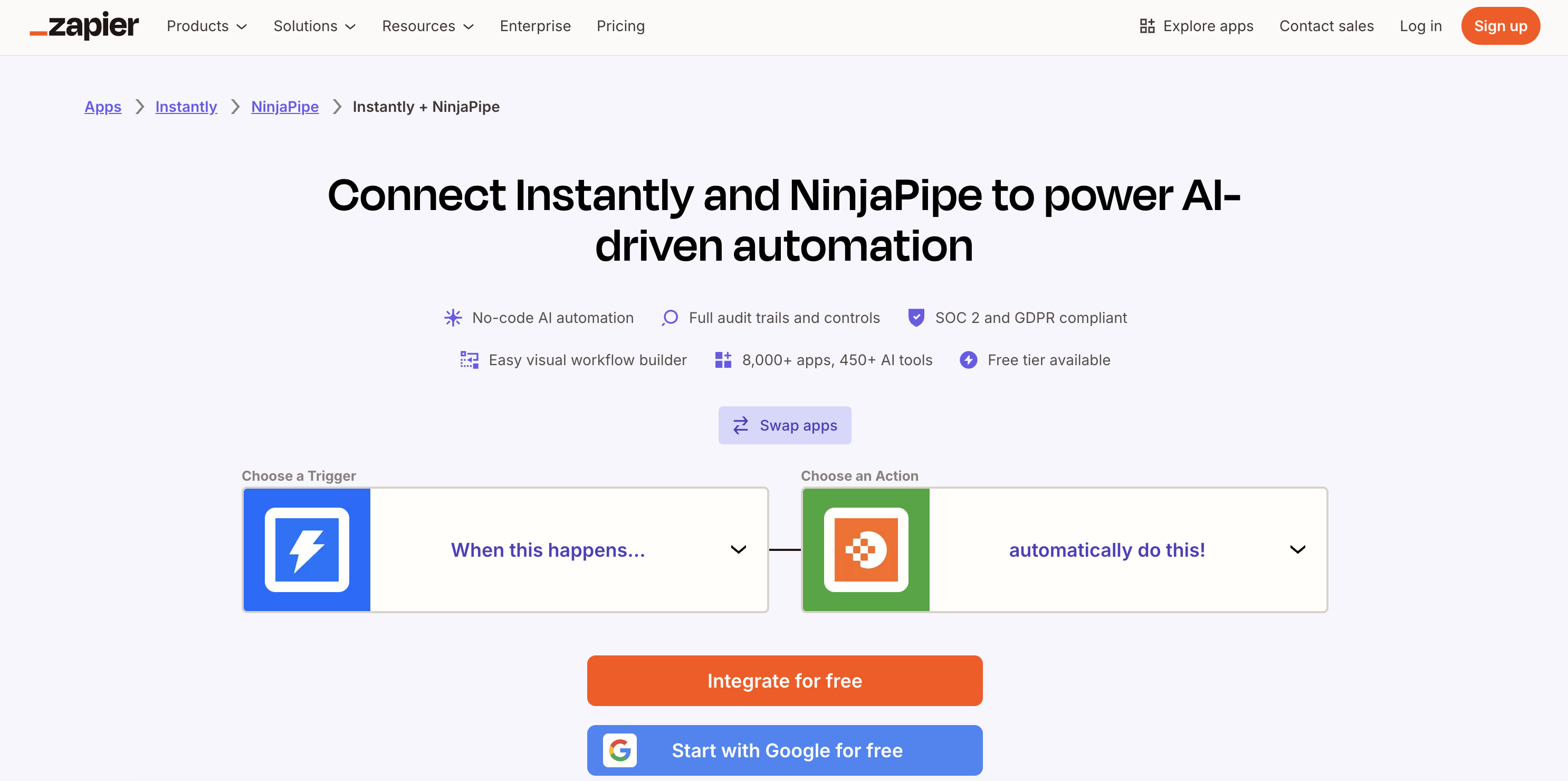
This setup process ensures that every lead from your Facebook Ads flows directly into NinjaPipe, ready for immediate action.
Creating Effective Lead Capture Forms
A lead capture form is your first touchpoint with potential customers, so it needs to be effective. Here's how to create forms that integrate seamlessly with Facebook Ads and NinjaPipe:
- Design forms to capture essential information: Focus on collecting data that will help you qualify leads effectively.
- Integrate forms with your Facebook Ads: Use Facebook's native tools to link these forms with your ads.
- Automate lead assignment: As soon as a lead fills out a form, use NinjaPipe to automatically assign them to the appropriate sales team member.
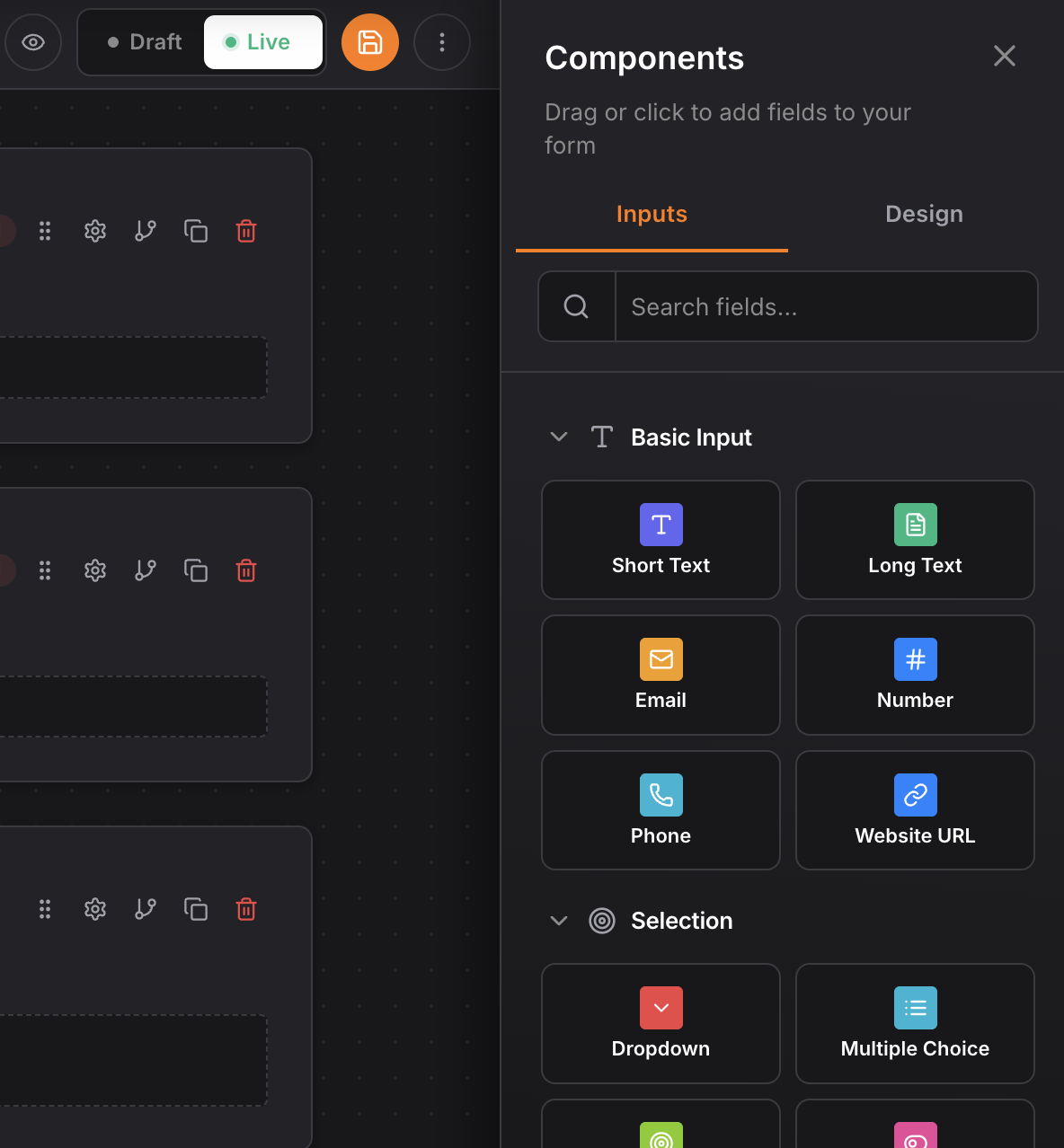
Automating the lead assignment process ensures no lead is left unattended, allowing your team to engage prospects quickly.
Automating Your Follow-Up Process
Timely follow-ups are crucial. Automate this process to ensure no lead is left waiting:
- Create automated workflows for follow-ups: Use NinjaPipe's CRM automations to set up sequences that trigger follow-up emails or calls.
- Utilize CRM automations to save time: Automate routine tasks so your sales team can focus on closing deals.
- Track engagement and adjust strategies: Monitor how leads respond to your follow-ups and tweak your approach as needed.
Automating follow-ups not only saves time but also increases the likelihood of converting leads into customers.
Tracking and Analyzing Your Leads
Once your leads are flowing into NinjaPipe, it's crucial to track their progress and analyze performance:
- Use sales pipelines to visualize lead progress: Track each lead's journey from initial contact to conversion using sales pipelines.
- Analyze conversion rates from Facebook Ads: Evaluate how well your ads are performing in terms of lead conversion.
- Adjust ad strategies based on performance data: Use insights from NinjaPipe to refine your Facebook ad campaigns for better results.
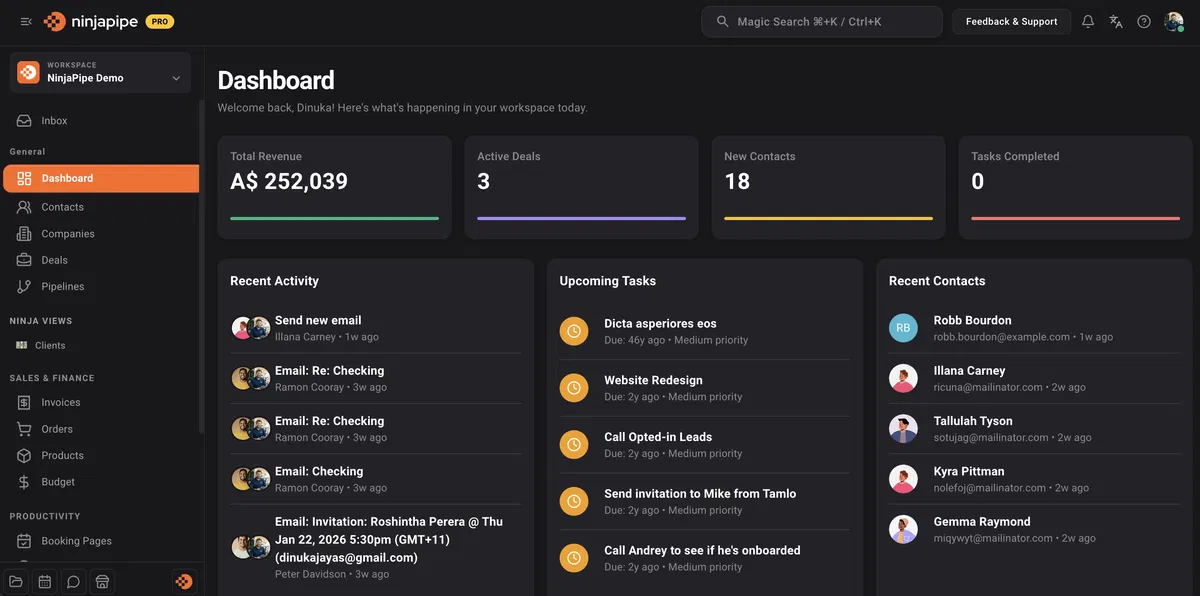
By analyzing your leads within NinjaPipe, you can make data-driven decisions to optimize your ad strategies and improve conversion rates.
Frequently Asked Questions
How do I connect my Facebook Ads to NinjaPipe?
Access the Integrations interface in NinjaPipe, select Facebook Ads, and follow the authentication steps.
Can I automate follow-ups for Facebook leads?
Yes, you can set up automated workflows in NinjaPipe to follow up with leads captured from Facebook Ads.
What are the benefits of using a CRM for Facebook leads?
A CRM centralizes lead management, improves follow-up efficiency, and enhances conversion tracking.
Start free → ninjapipe.com