
Communication
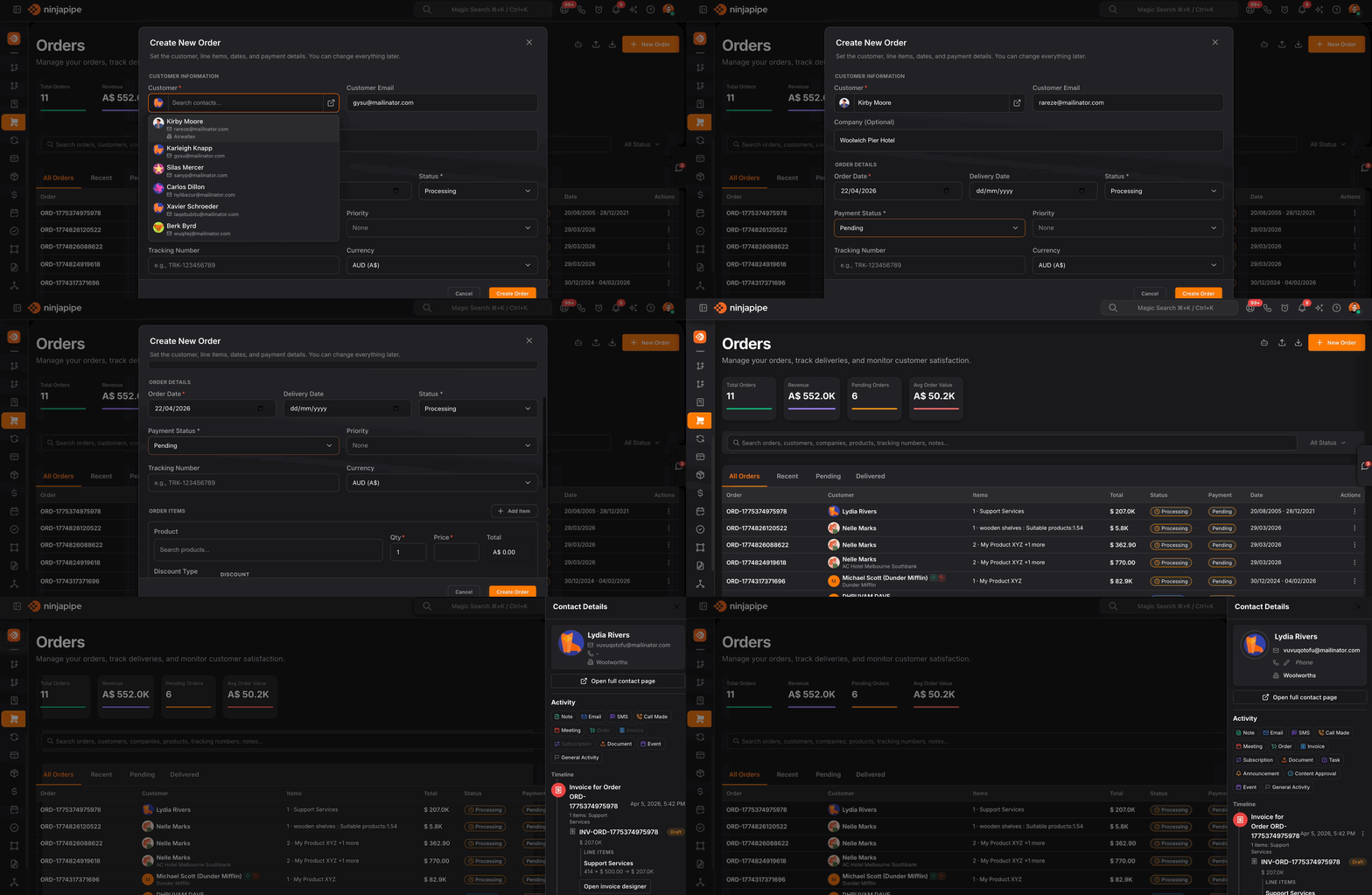
Orders with line items, fulfillment status, and a straight path to invoicing.
Run a full order table inside your workspace, search across customers, SKUs, and custom fields; slice by status or quick tabs; track payment and delivery state, then turn a closed deal into an invoice or feed automations without retyping line items.
From cart to cash in the same CRM your reps already use.
Orders stay linked to contacts when you have an ID or even just a matching email, so support, finance, and sales see one customer story while operations updates tracking and status.
Operational clarity
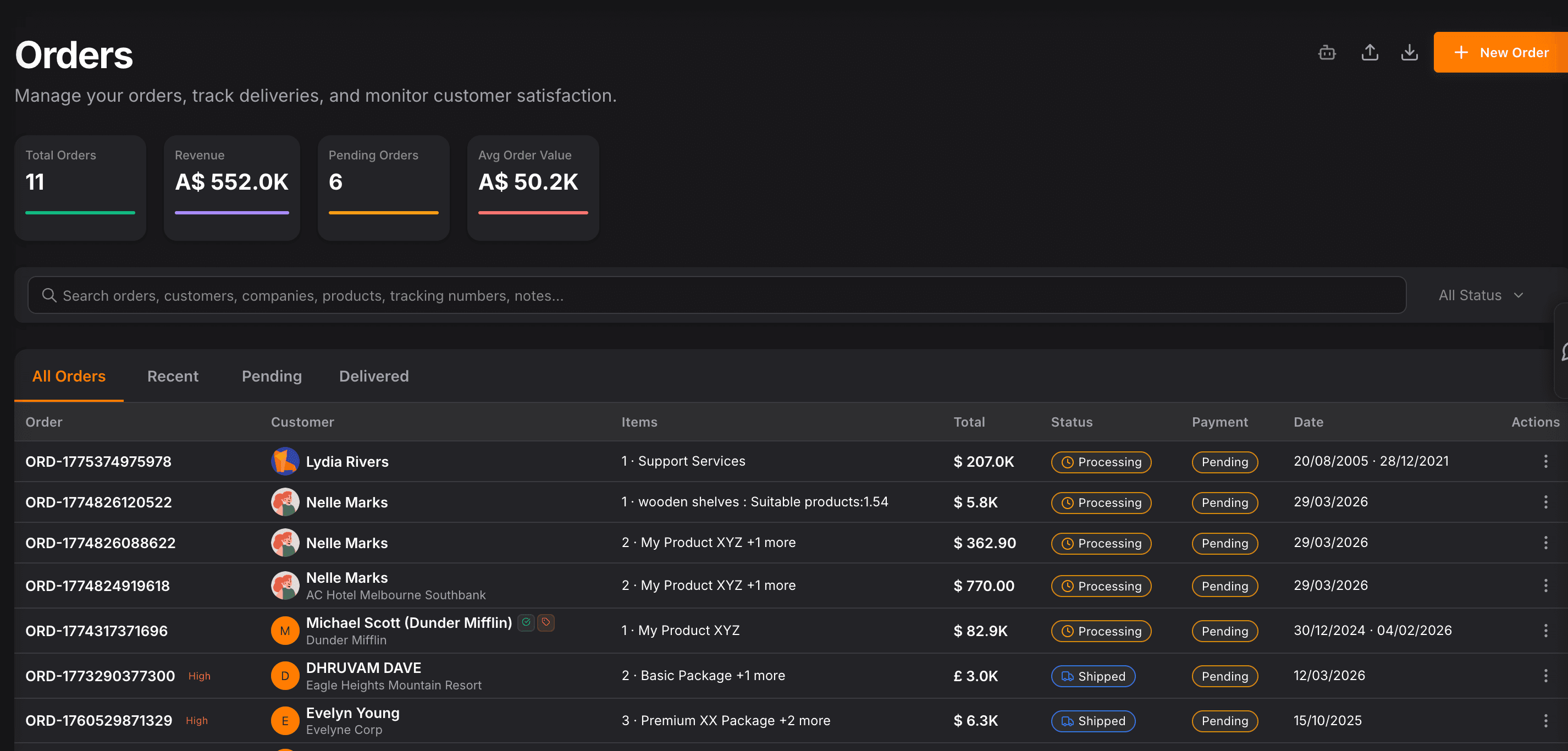
Revenue, pipeline, and averages on the dashboard row
Summary tiles count every order, roll up revenue, highlight what is still moving, and show average order value, so morning standups start with numbers, not spreadsheet exports.
Built for real catalogs
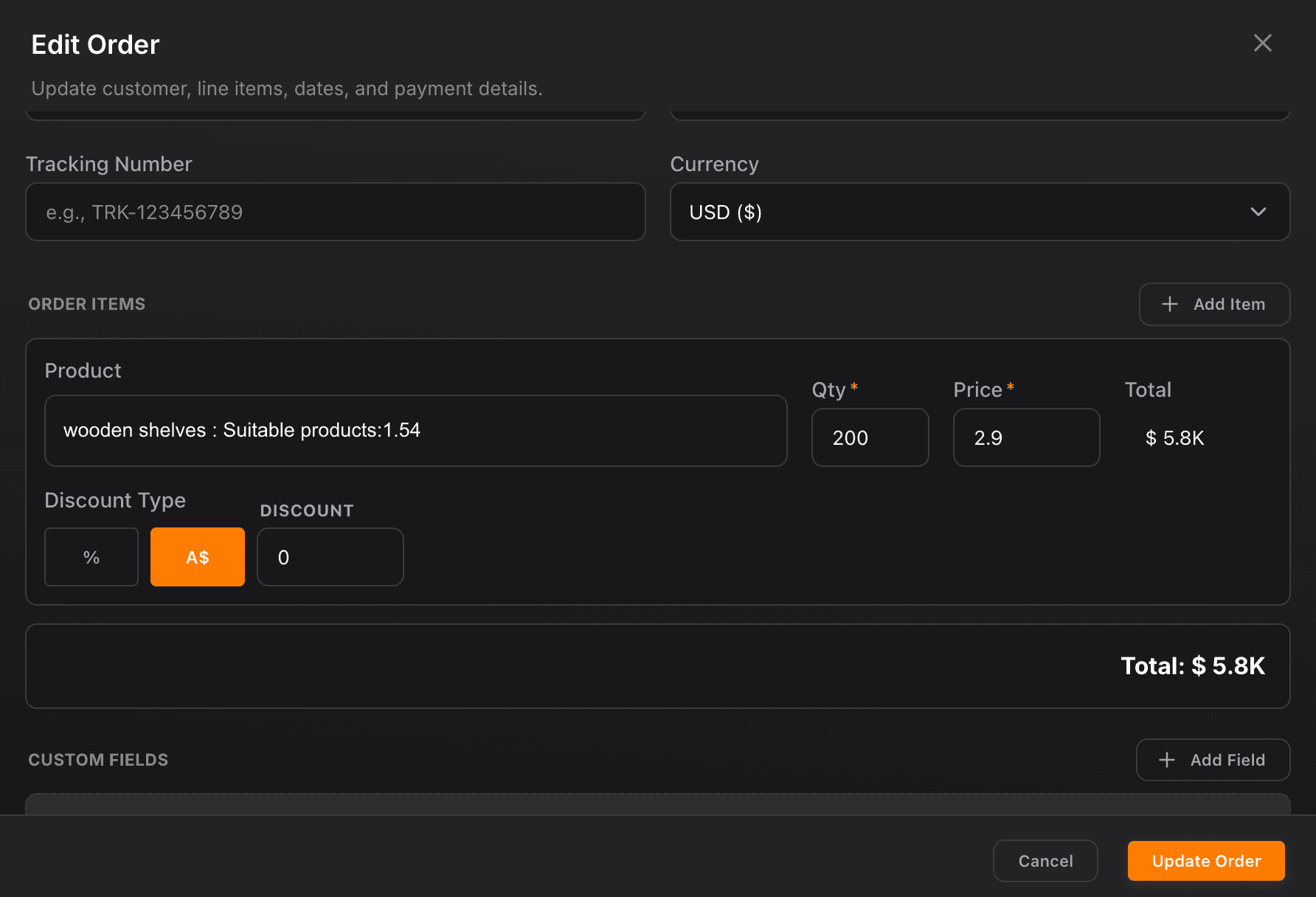
Line items, custom fields, priorities, and payment status
Each record carries the products, quantities, and pricing you sold, plus optional custom data, priority, fulfillment status, tracking numbers, and payment outcome, so downstream teams are not guessing what shipped or what still needs collection.
Workflows & automations
Order lifecycle triggers that keep ops, finance, and the CRM in sync
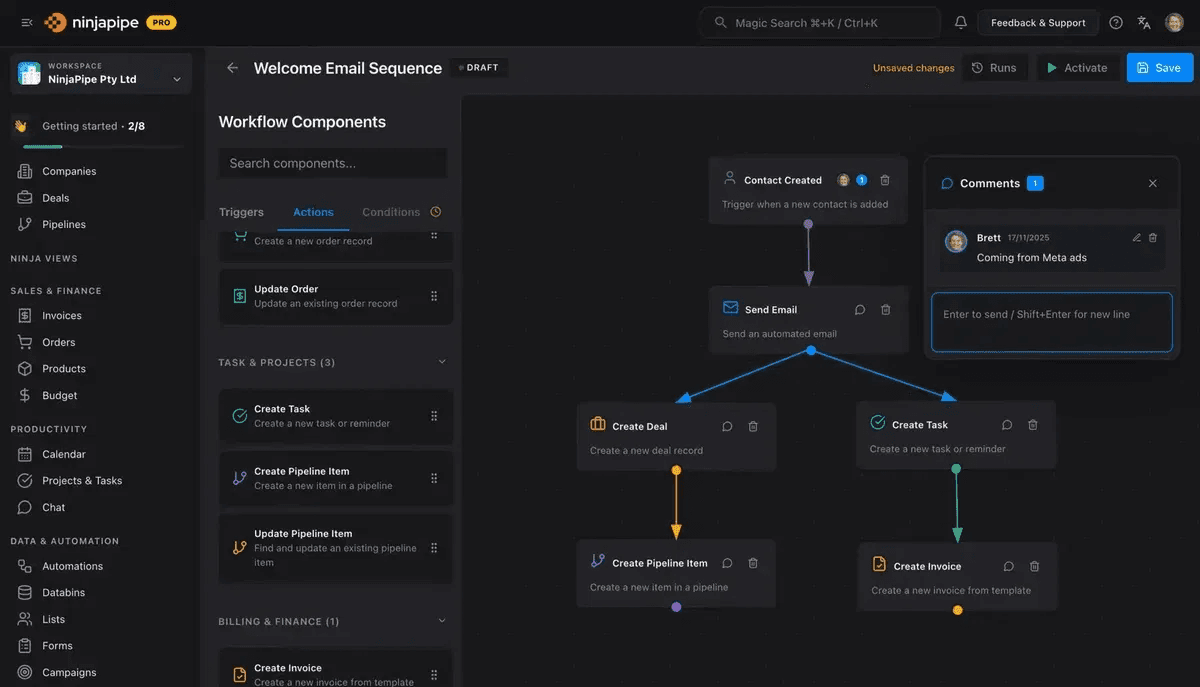
Fire workspace workflows when an order is created, paid, fulfilled, or cancelled, notify the right owners, update pipeline stages, stamp fields, create follow-up tasks, and hand off to invoicing or fulfillment systems without copy-paste. Rules stay scoped to your workspace so every automation respects how your team actually runs orders.
A reliable CRM for my law firm, clear interface, regular updates, and performance that matches how legal practice actually works day to day.


CEO · Leggado.Digital