
Why Tool Consolidation Matters
Tool consolidation is crucial for sales teams tired of juggling multiple platforms. Jumping between tabs wastes time and energy. By consolidating your tools, you can:
- Reduce tab-hopping and tool fatigue: Keep everything in one place, so you spend less time switching and more time selling.
- Streamline workflows for better lead management: Centralize your data to understand your leads better and respond faster.
- Cut costs by eliminating unnecessary subscriptions: Why pay for five tools when one can do the job? Save money and gain peace of mind.
Identifying Tools to Replace
Before migrating to NinjaPipe, identify which tools you can replace:
- Common tools used in sales and marketing: Typically, these include CRM software, email marketing platforms, project management tools, communication apps, and document management systems.
- Criteria for selecting tools to consolidate: Look for tools that overlap in functionality. Assess which features you use and which ones you can live without.
- Assessing current workflows for efficiency: Map out your current processes to see where the bottlenecks are. This will help you understand what needs improvement.
Replace CRM Software
NinjaPipe can effectively replace traditional CRM systems by offering a streamlined, intuitive interface for managing your sales pipeline.
- Centralize lead management within NinjaPipe: Keep all your leads in one place, making it easier to track and manage them.
- Use sales pipelines to track deal progress: Drag and drop deals across stages to see where everything stands at a glance.
- Automate follow-ups and reminders: Never miss a follow-up with automated reminders.
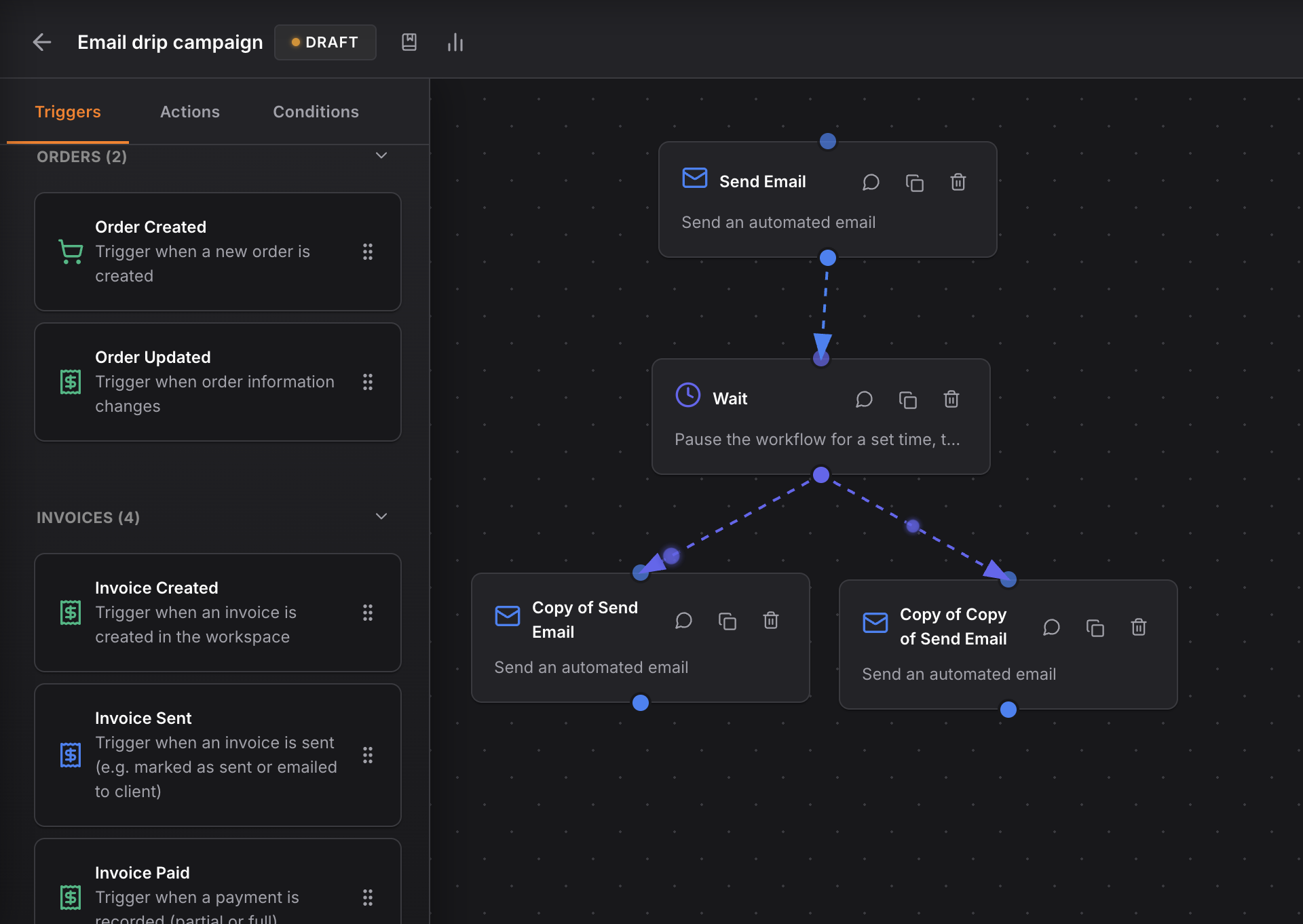
Workflow Example
- When a new lead fills out a form, they are automatically added to the CRM.
- Assign the lead to the appropriate sales rep.
- Set automated follow-up emails based on lead actions.
- Move the lead through the pipeline stages as they progress.
Replace Email Marketing Platform
NinjaPipe's email marketing features ensure you maintain communication without needing separate software.
- Manage email campaigns directly within your CRM: Design and send campaigns from the same platform where you manage your contacts.
- Automate email sequences based on lead behavior: Set triggers for automated emails to nurture leads effectively.
- Track engagement and conversion metrics in one place: Monitor how your emails perform without leaving your CRM.
Workflow Example
- Segment your contacts based on behavior.
- Create email sequences tailored to each segment.
- Automate sending based on specific triggers.
- Analyze the results directly in NinjaPipe.
Replace Project Management Software
Streamline your project management with NinjaPipe's versatile pipeline features.
- Use pipelines to manage projects and tasks: Visualize your projects from start to finish.
- Assign tasks to team members directly in NinjaPipe: Keep everyone on the same page without extra software.
- Track project progress alongside sales activities: See how your projects affect your sales pipeline.
Workflow Example
- Create a new project pipeline.
- Assign tasks to team members.
- Track task completion and project progress.
- Adjust timelines and strategies based on performance.
Replace Communication Tools
NinjaPipe's unified inbox eliminates the need for multiple communication platforms.
- Integrate email, chat, and SMS in one inbox: Keep all your communications centralized.
- Reduce context switching and improve response times: Respond faster with everything in one place.
- Keep all conversations linked to the relevant leads: Never lose track of a conversation again.
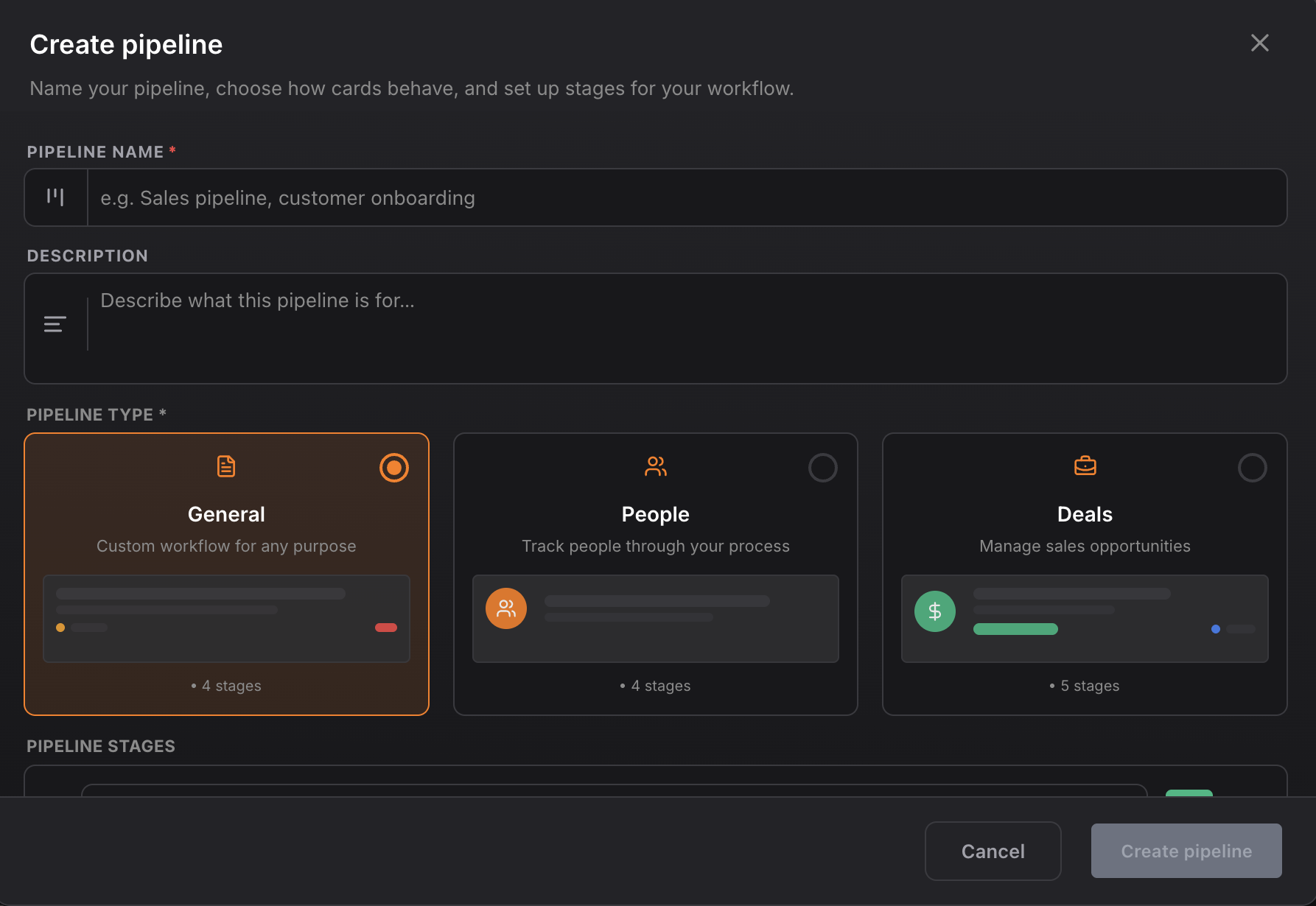
Replace Document Management System
Managing documents is a breeze with NinjaPipe, ensuring you stay organized and efficient.
- Store and share documents directly within the CRM: No more hunting for files across different platforms.
- Link documents to specific leads or deals: Keep everything relevant in one place.
- Automate document requests and follow-ups: Streamline the document management process.
Workflow Example
- Upload important documents to NinjaPipe.
- Link documents to relevant leads or deals.
- Set automated reminders for document requests.
- Track document status within the lead's profile.
Steps to Migrate to NinjaPipe
Ready to make the switch? Here's a simple migration plan:
- Assess current tools and workflows: Understand what you use and what you need.
- Export data from existing tools: Back up all vital information.
- Import data into NinjaPipe and set up pipelines: Use NinjaPipe's user-friendly interface to get started.
- Train your team on using NinjaPipe effectively: Ensure everyone knows how to use the new system.
Start free on NinjaPipe to begin your tool consolidation journey.
Real Results from Tool Consolidation
Still on the fence? Here’s why NinjaPipe is trusted by many:
- 1,700+ businesses trust NinjaPipe: Join a growing community of satisfied users.
- 4.6/5 rating on G2, 4.4/5 on AppSumo: Our ratings speak for themselves.
- Real users report improved efficiency and reduced chaos: Experience the benefits firsthand.
Customer reviews show how NinjaPipe has transformed workflows for teams worldwide.