
Customer: Can I book a time this week? Agent: Thursday at 2, or Friday at 10? Customer: Thursday works. Agent: Booked. I'll text you the link.
Can I book a time this week?


The lead was warm. The meeting never got booked.
It follows up by text or email until they book. You step in when they do.
Customer: Can I book a time this week? Agent: Absolutely. Here's the link with open times. Customer: Thursday at 2 looks open. Agent: Great pick. Grab it, then reply here. Customer: Done. Agent: You're booked. The team will take it from here. Customer: Can I move it if something comes up? Agent: Of course. Just reply here and I'll help.
Send a booking page that already knows your calendar
Paste your NinjaPipe booking link into the step. The agent can include it when it helps the goal. The booking page is what checks Google Calendar or Outlook and locks the slot. The agent’s job is the conversation that gets them to open it.
Start your free trial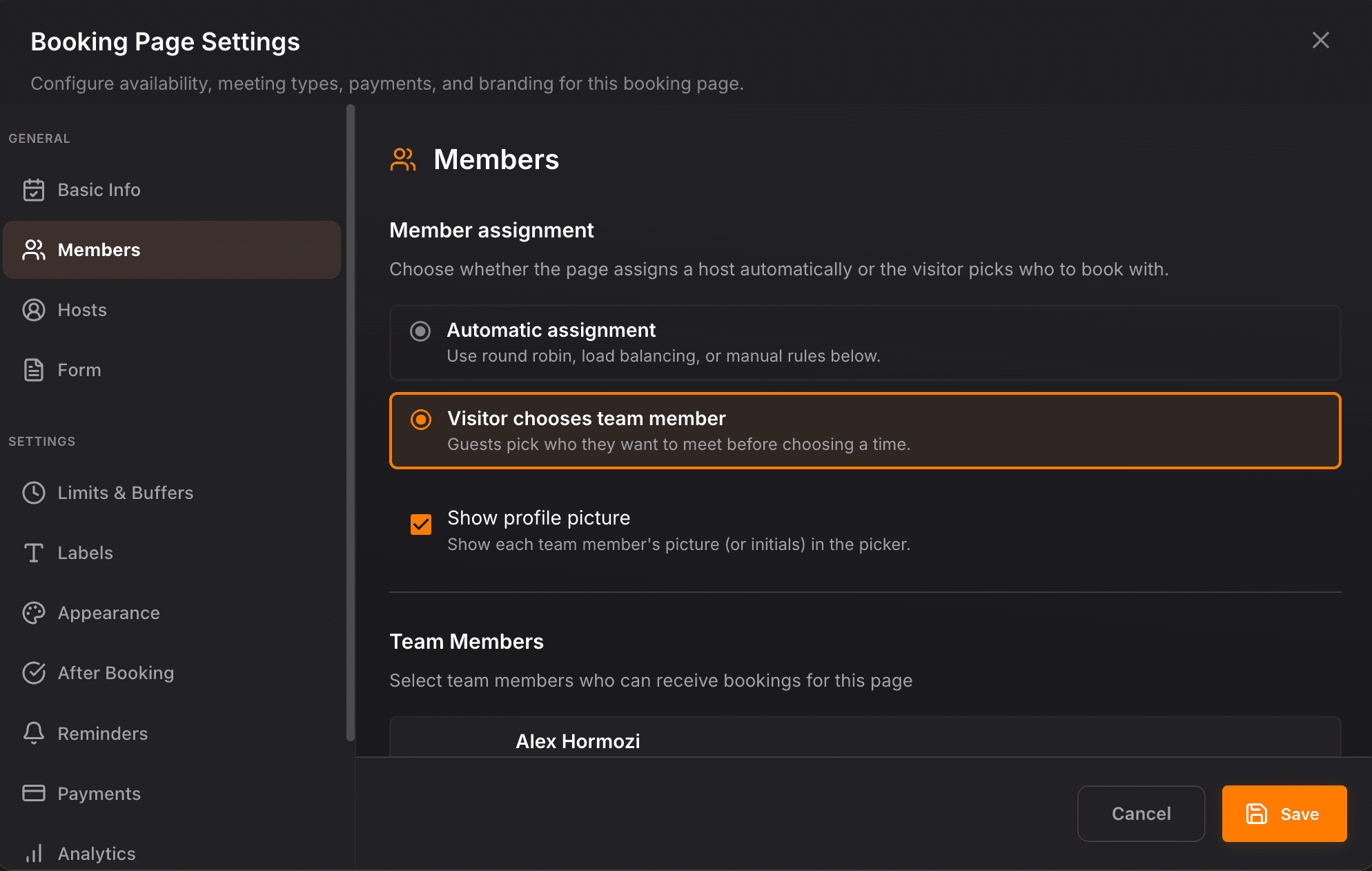
SMS or email, with a give-up time you choose
Automatic mode uses the phone or email on the contact. You set how long silence lasts before the No reply branch runs, how many texts per day, and how many turns are enough. STOP and unsubscribe end the chase and can apply an opt-out tag.
Start your free trial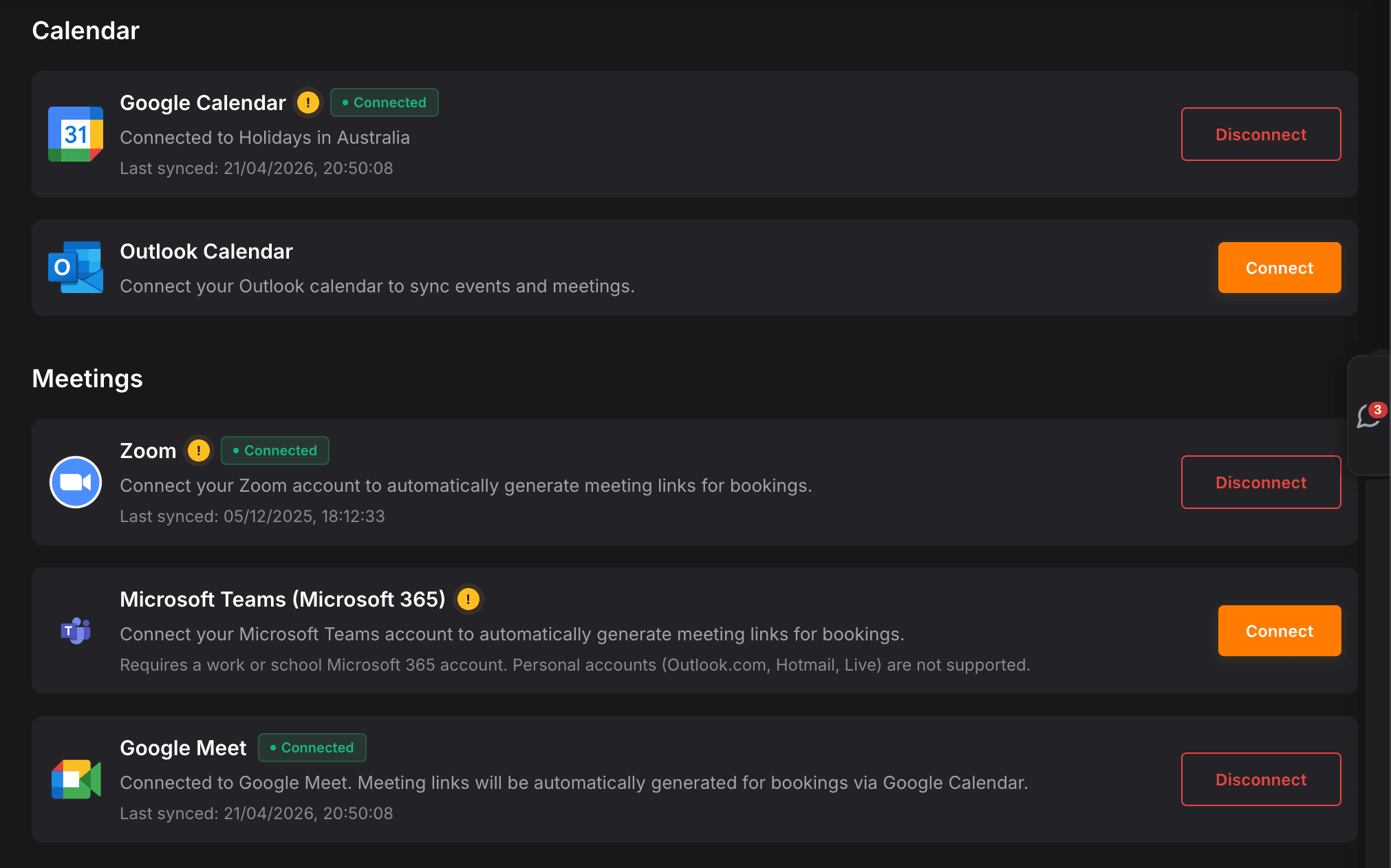
Goal reached, or a booked tag, then the CRM moves
Stop mode leaves the step as soon as the goal is reached or the contact already has the booked tag, and sends nothing further. Later steps can create a task, alert the closer, or move the pipeline card. Keep chatting stays available if you still want answers after the time is set.
Start your free trial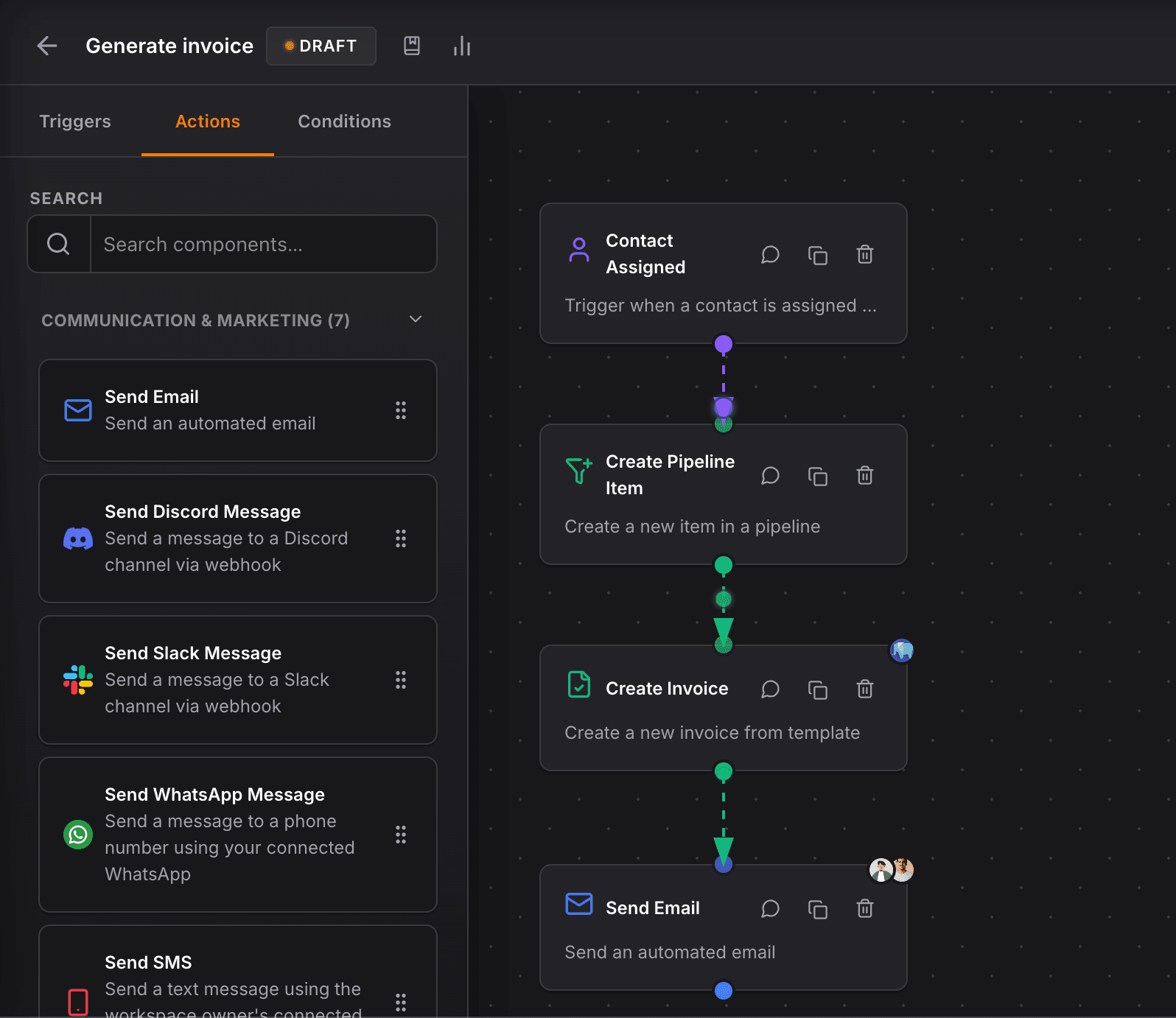
Trigger it from a form, a deal stage, or a new contact
Put the conversation agent after the event that should start setting. Form submissions, pipeline changes, and new contacts are normal starts. If the sender might be unknown, create the contact first so the thread has a person to attach to.
Start your free trial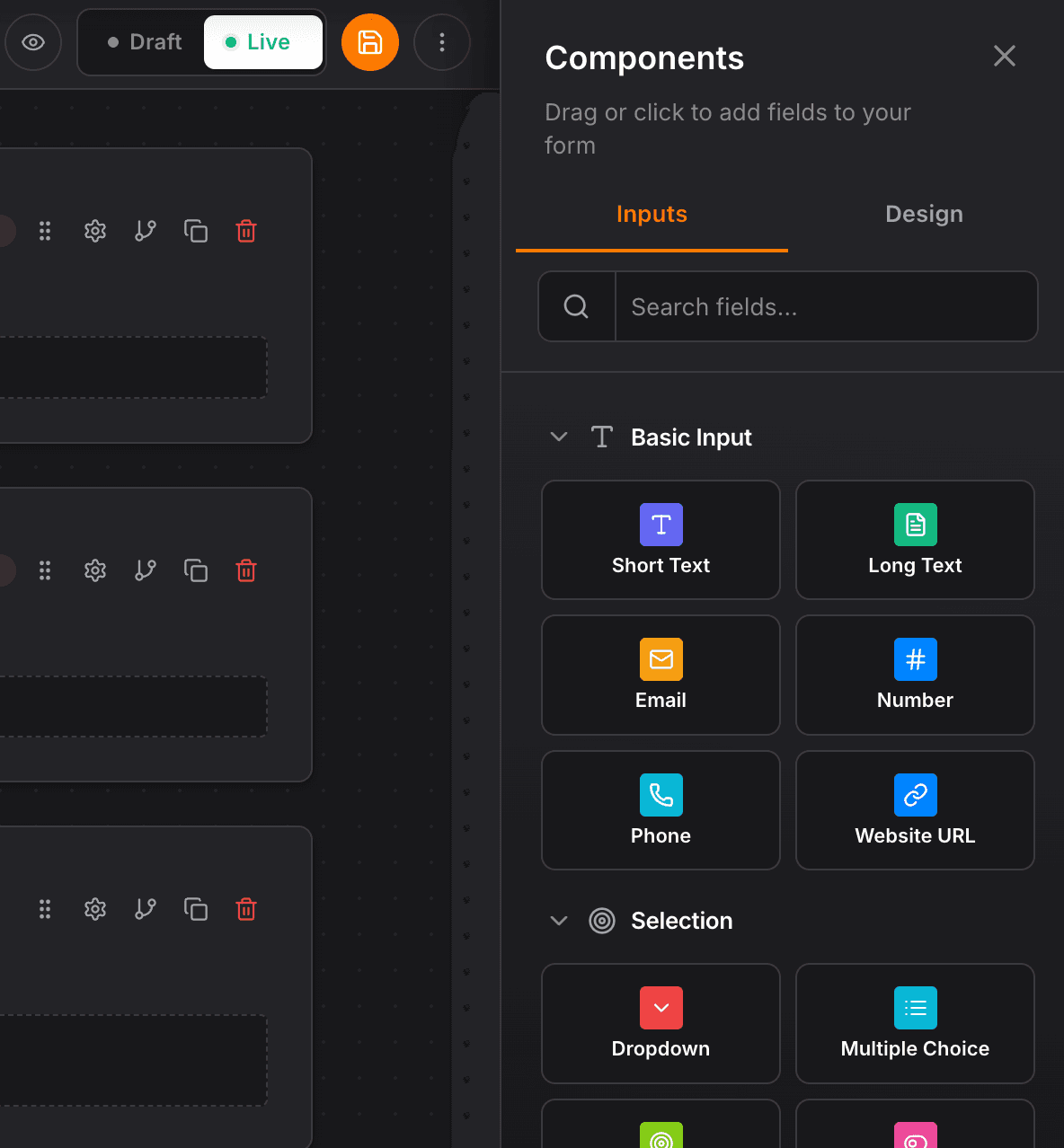
FAQ
Common questions
What is an AI appointment setter?
An AI appointment setter messages a lead until they book a time. In NinjaPipe it is a conversation agent on a workflow: it texts or emails one contact, can send your booking link, and exits when they book, opt out, go quiet, or a person should take over.
What is an automated appointment setter?
The same job, started by a workflow instead of a person typing each follow-up. A form, a new contact, or a pipeline stage can start it. The agent holds the thread. Your booking page collects the time from a live calendar.
Does the AI appointment setter check my calendar?
The booking page does. Connect Google Calendar or Outlook on that page so the times offered are open. The conversation agent sends the link. It does not read the calendar itself.
What happens after they book?
When the goal is reached, or the contact has the booked tag, stop mode leaves on the Goal reached branch and sends nothing further. The next workflow steps can notify a rep, create a task, or move the deal.
What if they never reply?
You set a give-up time. When that silence passes, the step exits on No reply so the workflow can try another channel, create a task, or stop. A daily text cap pauses extra messages until the next local midnight.
A reliable CRM for my law firm, clear interface, regular updates, and performance that matches how legal practice actually works day to day.


CEO · Leggado.Digital