
Customer: Hey, can someone help me with this? Agent: Sure. What do you need? Customer: A quick answer, then a person if it's hard. Agent: I'll answer, and hand off when I should.
Hey, can someone help me with this?


They replied. Then the thread went quiet.
It stays on the SMS or email until the job is done, then hands it to a person.
Customer: Hey, is anyone around? Agent: Hey! I'm here. What can I help with? Customer: Do you cover Saturday installs? Agent: We do. Saturday mornings are open. Customer: And the quote from yesterday? Agent: Good news, it's still good through Friday. Customer: Can a person call me about it? Agent: Of course. I'll get someone on this thread now.
Tell it what to finish, who it is, and what to avoid
Set a goal and instructions in plain language, and insert contact fields with @ when the message should use a name, company, or deal. The first email sets the subject. Later emails stay on that thread. SMS replies stay short enough to read like a text.
Start your free trial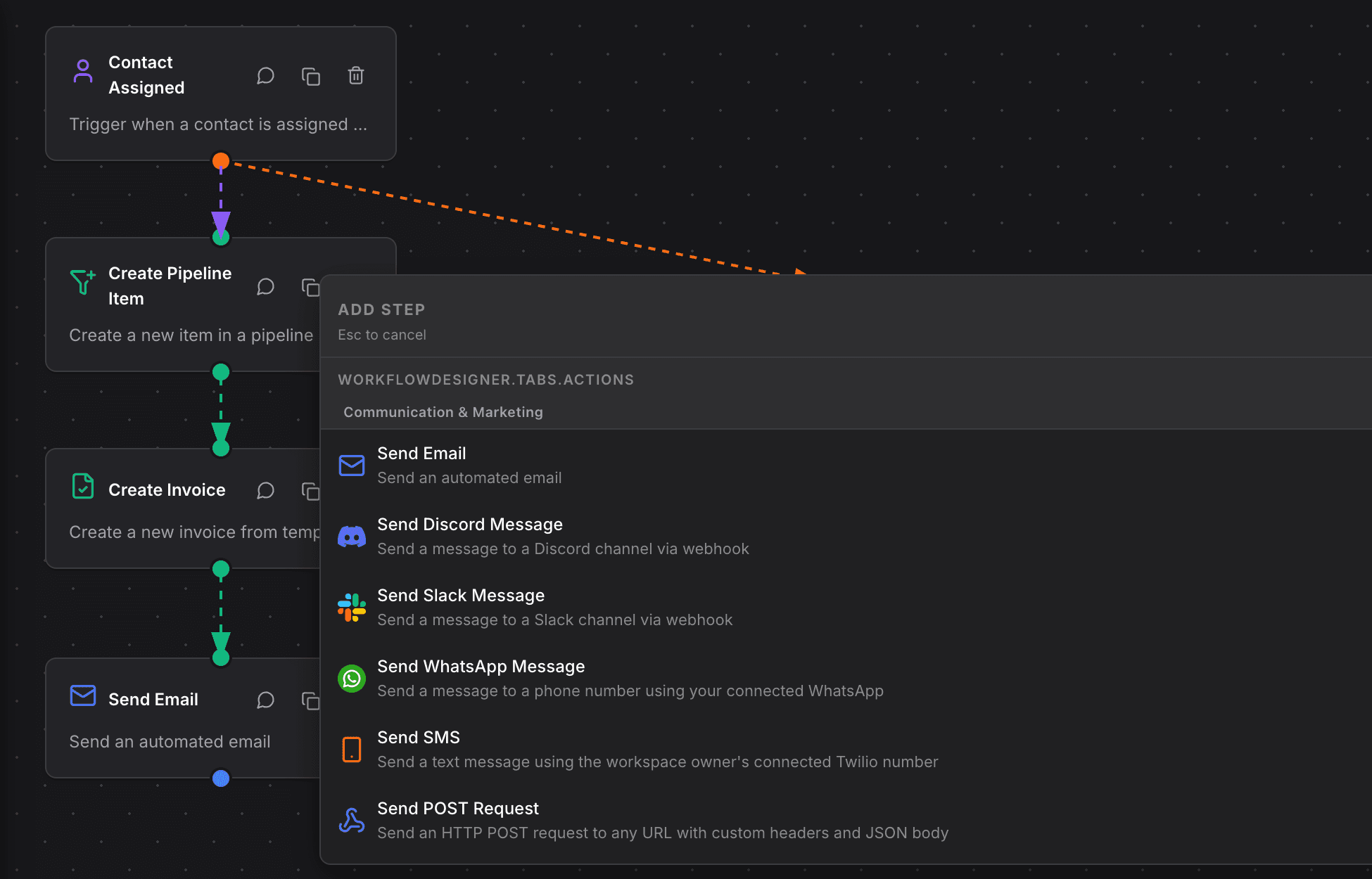
Automatic, SMS, or email, on the mailbox and number you already use
Automatic uses the email or phone on the contact, and you can prefer one when both exist. SMS sends from a Twilio number on the account. Email sends from a verified mailbox. The model is OpenAI, Claude, Gemini, or OpenRouter, using the workflow owner’s key from Account, then Integrations.
Start your free trial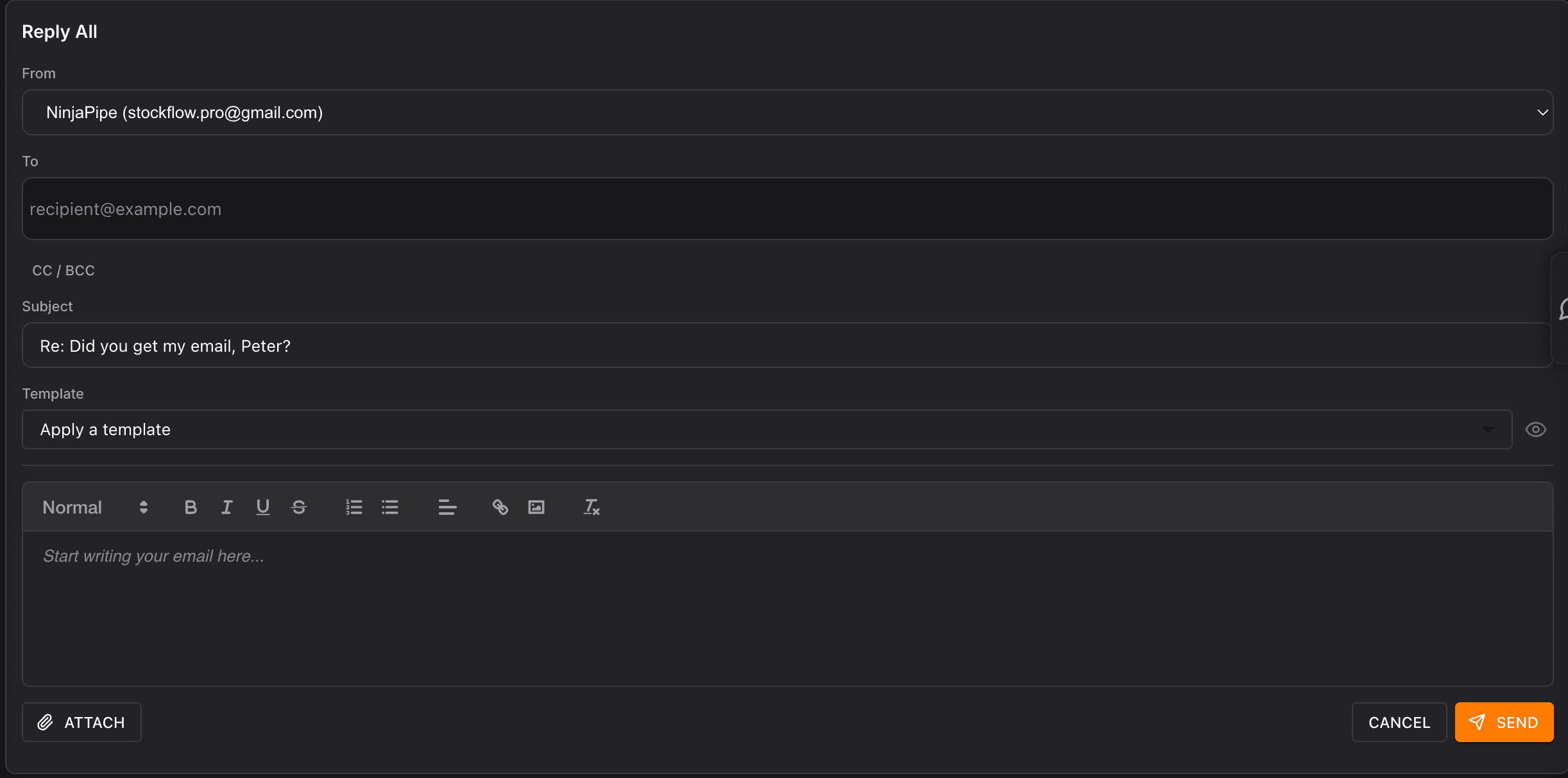
Goal reached, hand off, opted out, or no reply
The step stays on the thread while the conversation should continue. It leaves on a goal, a request for a person, an opt-out, or silence past the give-up time you set. Later steps can move a deal, create a task, notify a teammate, or apply a tag. Each run also exposes the reply text, the outcome, and the turn count.
Start your free trial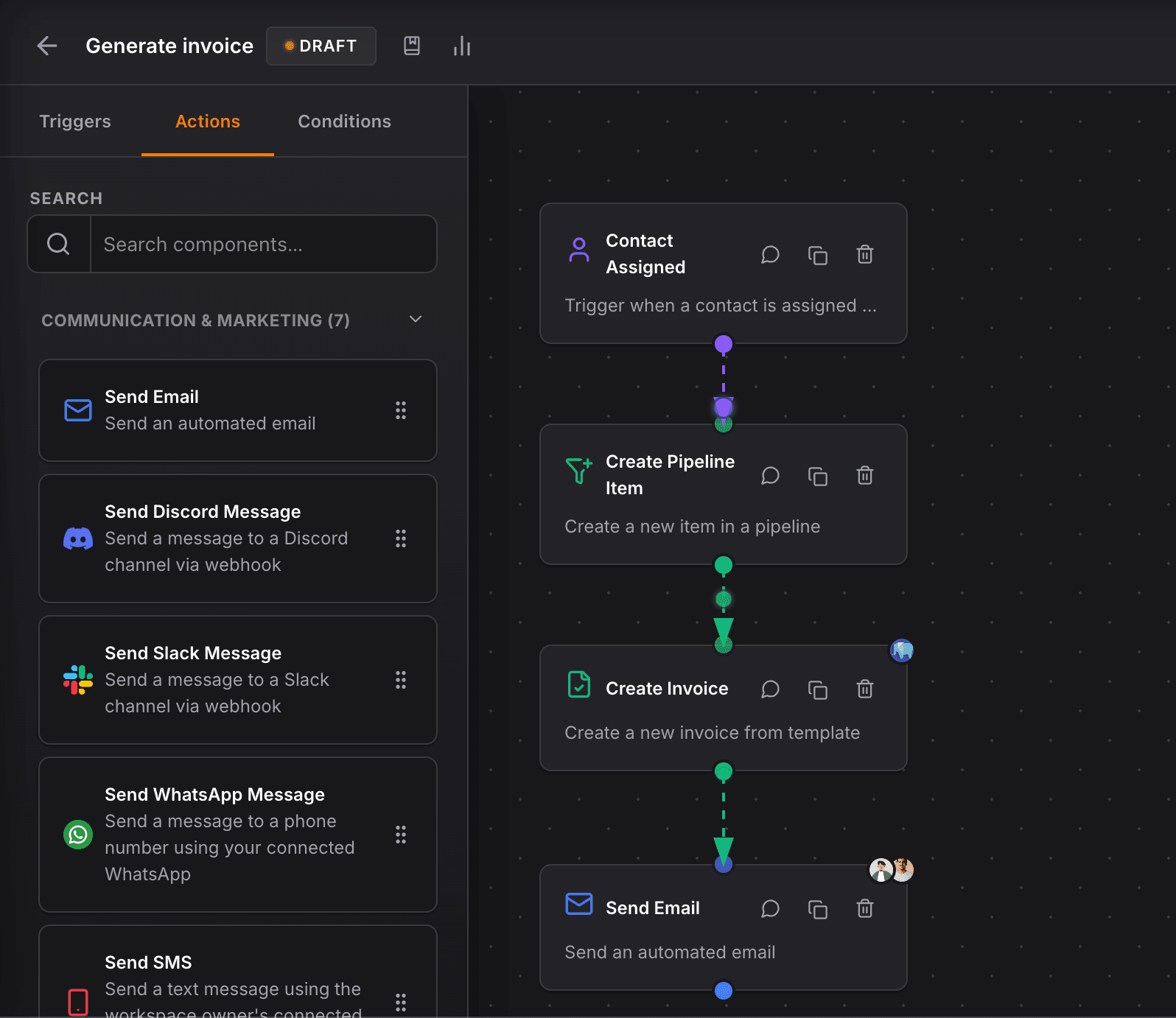
Turn limits, a daily text cap, off-topic handoff, and STOP
Cap how many texts the step sends, how many it sends per day in the workspace timezone, and how many off-topic replies in a row should hand the thread to a person. STOP, unsubscribe, and stop all opt them out and can apply a tag. After the goal you can keep chatting or stop. A booked tag tells the step the outcome is already done.
Start your free trial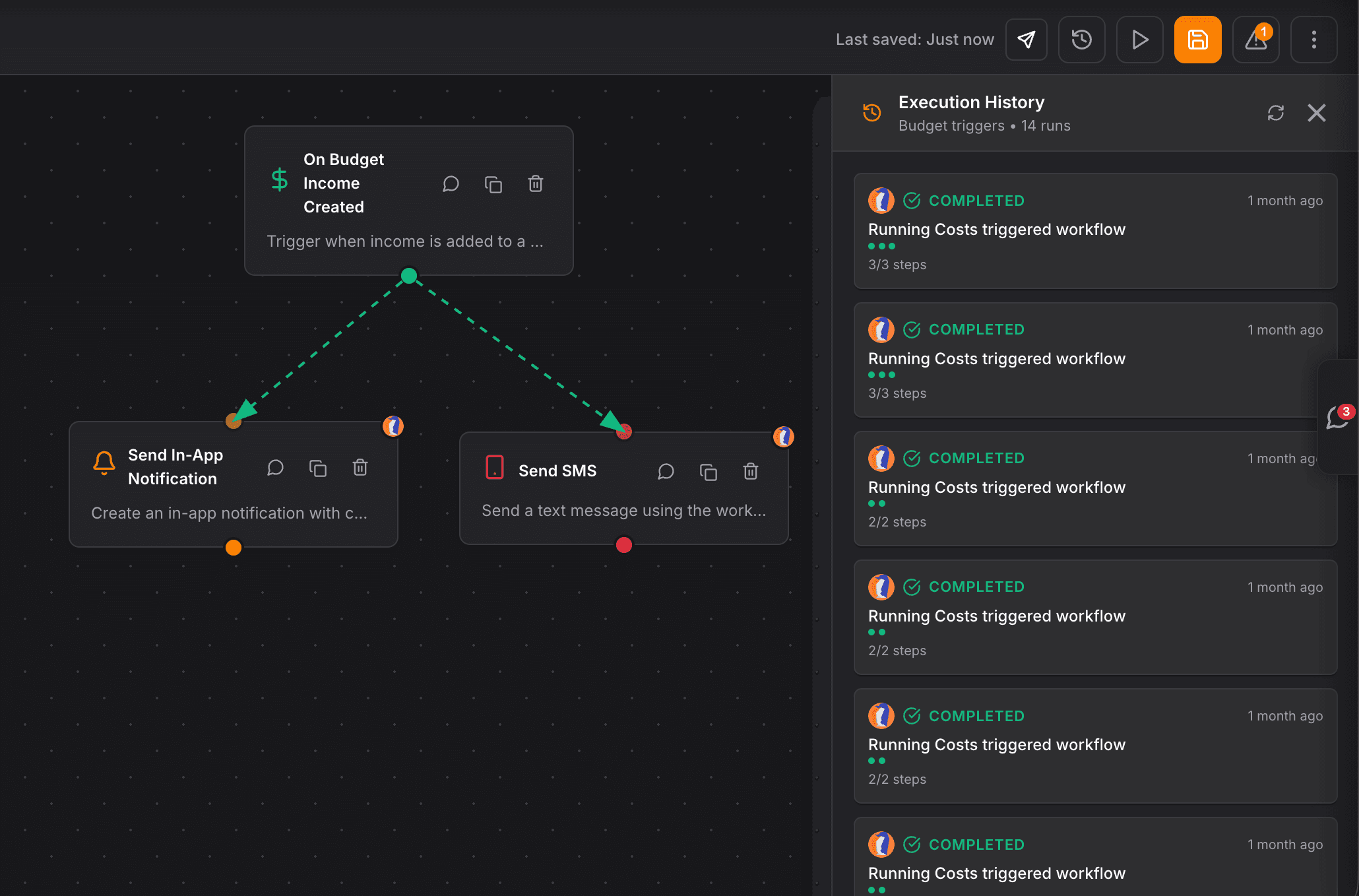
FAQ
Common questions
What is the NinjaPipe conversation agent?
The conversation agent is a workflow step that holds one SMS or email thread with a contact. It replies with the AI model you choose until the goal is done, they opt out, a person should take over, or they go quiet past the time you set.
Which channels does the conversation agent use?
SMS and email. Automatic mode uses the phone or email already on the contact. SMS sends from your Twilio number. Email sends from a verified mailbox and stays on the same thread after the first subject.
Which AI models can the conversation agent use?
OpenAI, Claude, Gemini, or any model you reach through OpenRouter. The step uses the workflow owner’s API key from Account, then Integrations.
What happens when the goal is reached?
You choose keep chatting or stop. Stop leaves the step on the Goal reached branch so later workflow steps can run. Keep chatting stays on the thread. A booked tag marks the goal as already done.
What if someone texts STOP?
STOP, unsubscribe, and stop all end the conversation on the Opted out branch. You can apply an opt-out tag. If they already have that tag, the step sends nothing.
Can I use it as an appointment setter, AI SDR, or support agent?
Yes. The same step changes job with the goal and instructions you write. Teams use it to book meetings, qualify leads, and answer support questions, then branch into the rest of the CRM.
A reliable CRM for my law firm, clear interface, regular updates, and performance that matches how legal practice actually works day to day.


CEO · Leggado.Digital